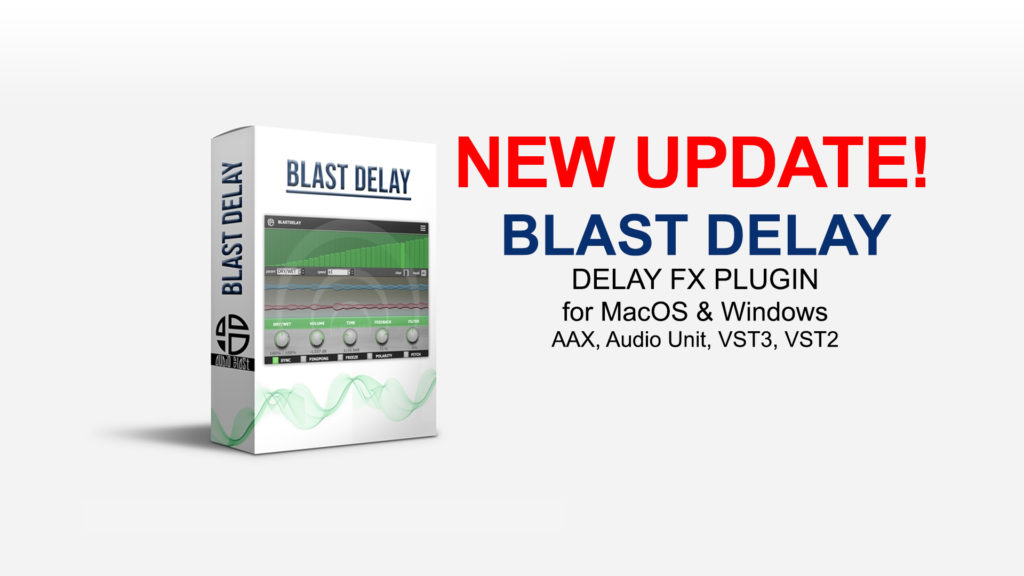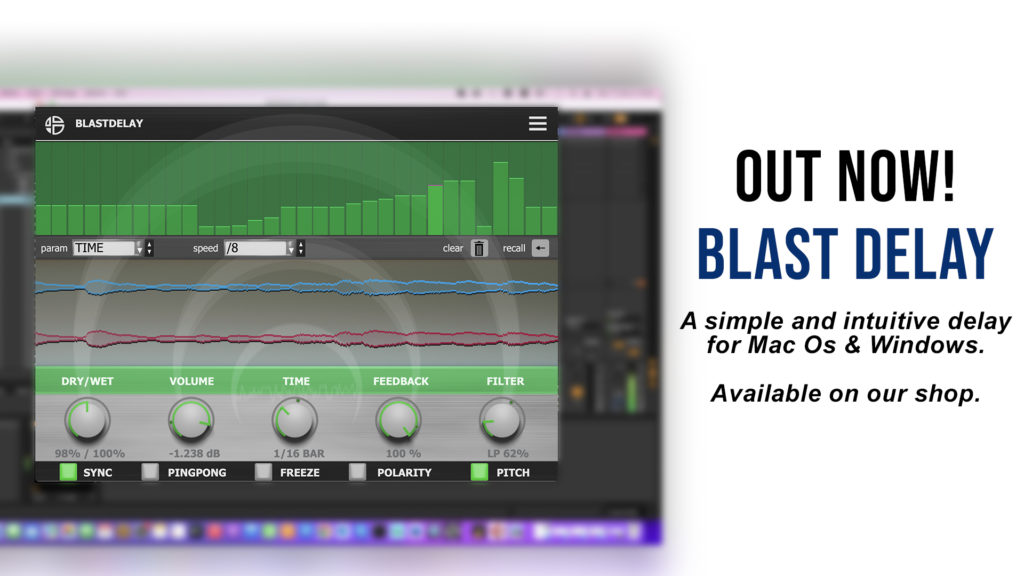
New update available for Blast Delay
About the Blast Delay update: How to install the update? Reinstall the latest version from our download page. Get it here.
Welcome to the NEWS section of Audioblast
your go-to source for the latest updates in electronic music production.
Here, you’ll find announcements on new plugin releases, preset packs, sound banks, and insights into the world of Acid, Techno, Trance, Hard Techno, and Rave.
The NEWS category is perfect for producers and electronic music enthusiasts who want to stay ahead of trends, get inspired, and never miss a release.
About the Blast Delay update: How to install the update? Reinstall the latest version from our download page. Get it here.
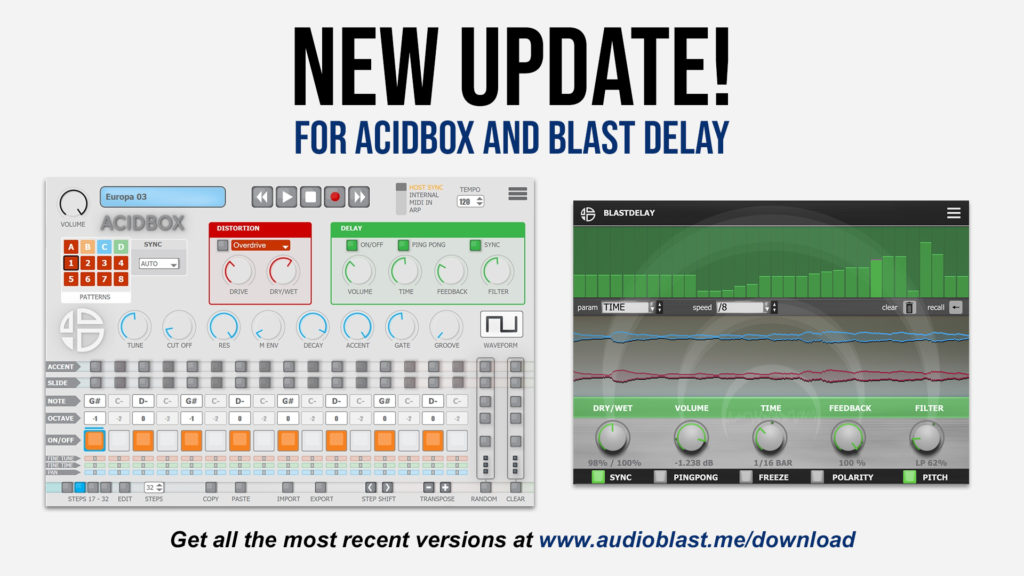
A new update is available for AcidBox and Blast Delay.Get these here, on our download page. About the AcidBox update: fixed high CPU usage on Apple Silicon M1 / M2 fixed potential bug at startup for Standalone app. fixed potential error message when closing host (FL Studio) fixed bug with step number display control in …
New update available for AcidBox and Blast Delay Read More »
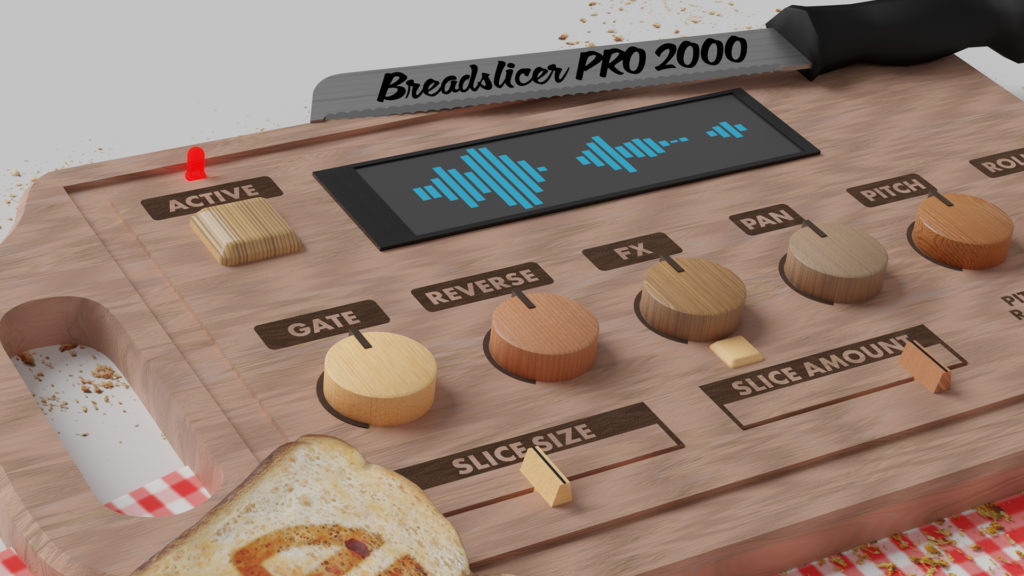
Introducing our new effect plugin, Blast Delay! Blast Delay is a digital delay with an individual step sequencer for each delay parameter : dry/wet, volume, time, feedback and filter.You can sequence delay time changes, volume changes, etc.. synchronized with the host.A “pitch mode” simulate the behaviour of old school delays : the pitch of the echo …
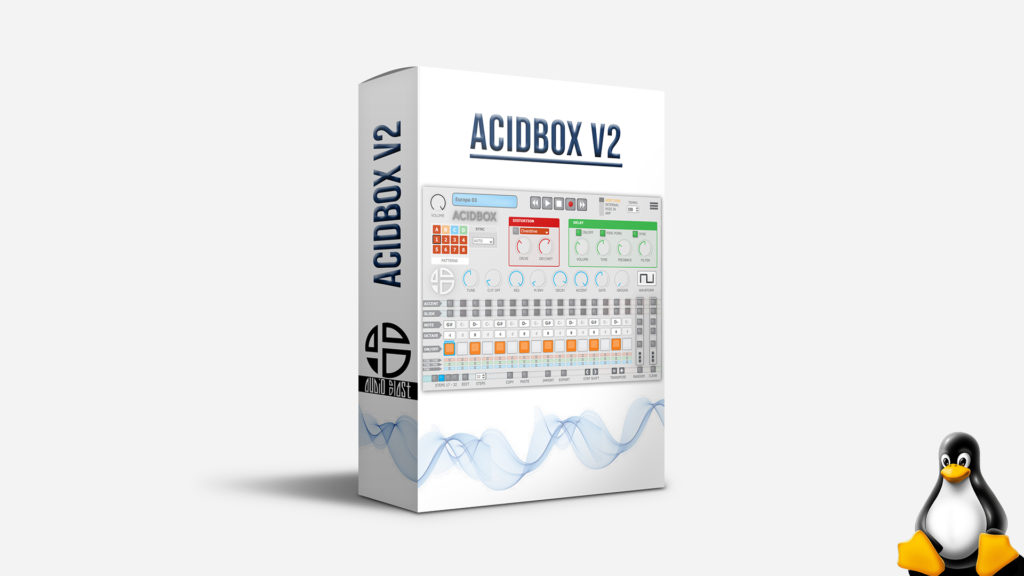
Install AcidBox V2 VST3 for Linux. 1. install the plugin copy the AcidBox.vst3 folder to your VST3 prefered folder ( $HOME/.vst3/ sounds like a good choice ) 2. install the patterns presets run the copy_pattern.sh script to create the folders and copy the files. or create “$HOME/.audioblast/AcidBox” and copy the “Patterns” folder into. if you …
CUBASE: You can safely remove AcidBox V1 and replace with the AcidBox V2 VST3 (or VST2): your old project should load and recall parameters. ABLETON: Ableton projects will recall the right parameters/patterns if you replace AcidBox V1 with AcidBox V2 in VST format (NOT VST3).If you prefer using the VST3, you can use the method …
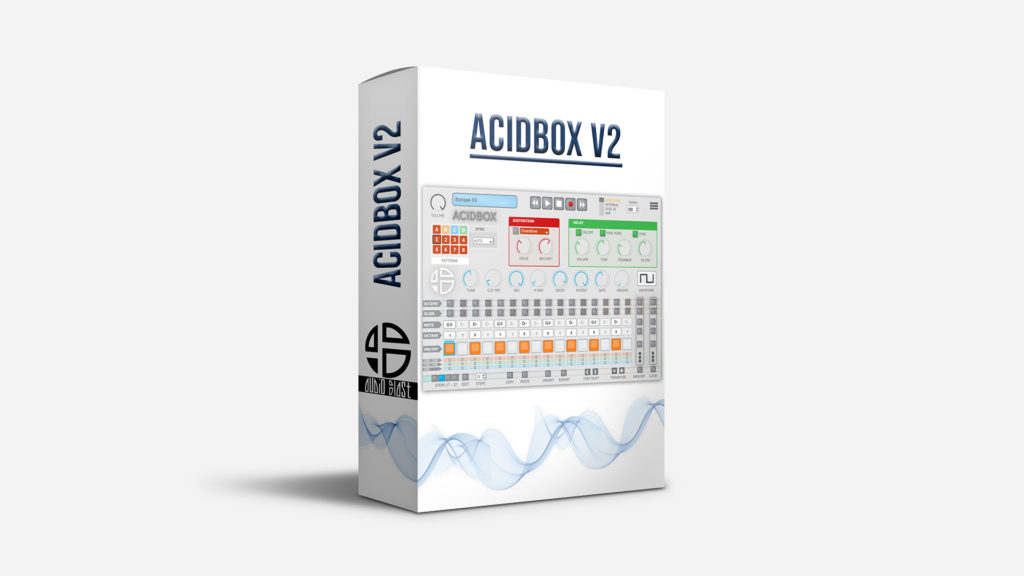
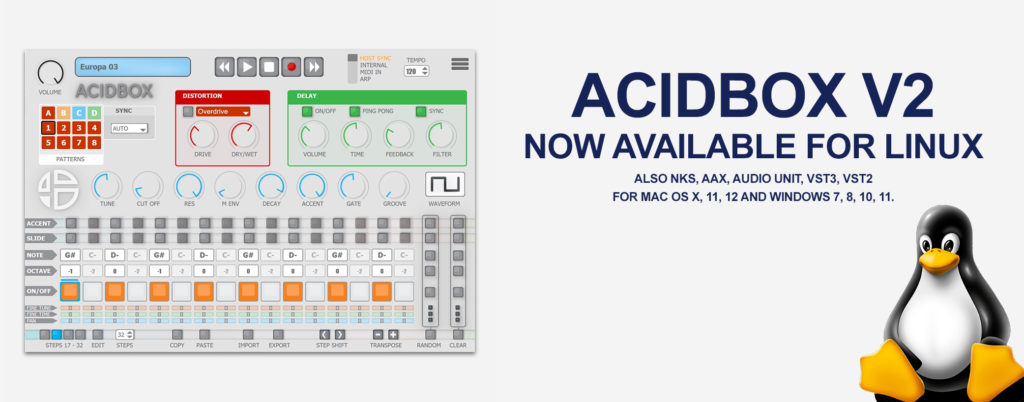
AcidBox V2 303 plugin is now available for Linux users. The AcidBox V2 is a bass line synthesizer, a recreation of the iconic 303 bass line synthesizer from the 80’s with a new interface, which makes it easier to create real-time sequences and tweak them in a live situation. Get the demo here. All the information …
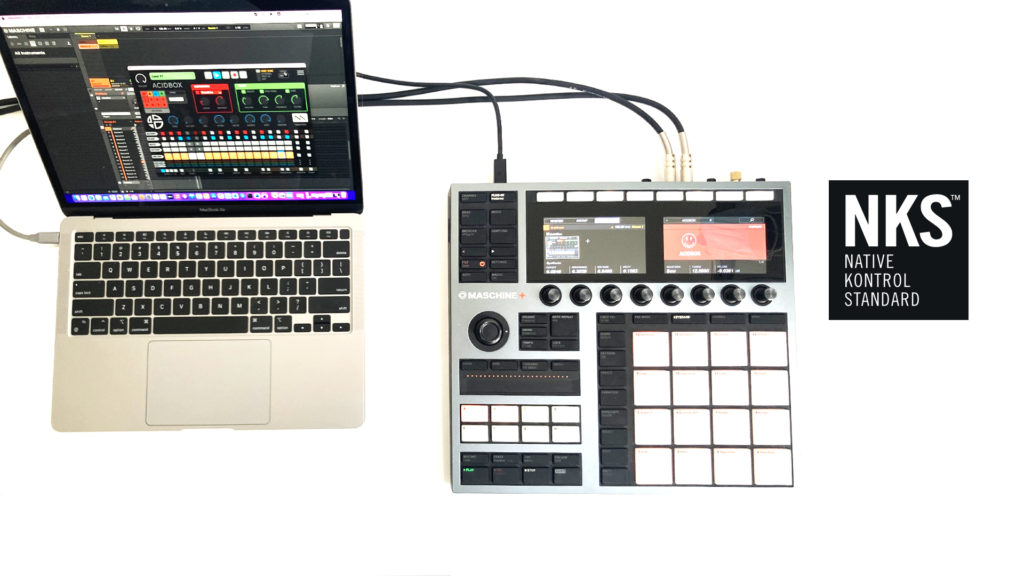
AcidBox V2 303 plugin now supports Native Instrument’s NKS extended plug-in format.NKS brings intuitive and seamless interaction between AcidBox V2 and Komplete kontrol S-Series keyboards and Maschine hardware. The low keys notes have been mapped to trigger patterns, get a better access to pattern change and better control. And AcidBox V2 entire factory preset library …
With AcidBox V2 now released, here are the limitations for the demo version: – Stop producing sound after 51 minutes. – No recall of settings when reloading project. – Gods of Acid won’t inspire you. Demo versions are available to try our products for: Mac Os X, Mac Os 11, Mac 12, Windows 7, Windows …
Audio Blast is proud to present you the new AcidBox V2. A lot of the features were added: New GUI resizable Dark mode 303 presets included A brand-new ARP mode A Bit Crusher added in the distortion selector Fine tune per step Fine time per step Panning per step Realtime multiple random options: only accents, …
InstaLooper3 AAX is now natively M1 silicon compatible for Pro Tools on Mac OS. There are now more presets available: 54 instead of 32. Note for Pro Tools users:please delete the InstaLooper3 preset cache before installing the updateclose Pro Tools then delete the preset folderThe InstaLooper3 AAX plugin preset cache is located here : Windows …
InstaLooper3 AAX is now natively M1 silicon compatible for Pro Tools on Mac OS. Read More »